








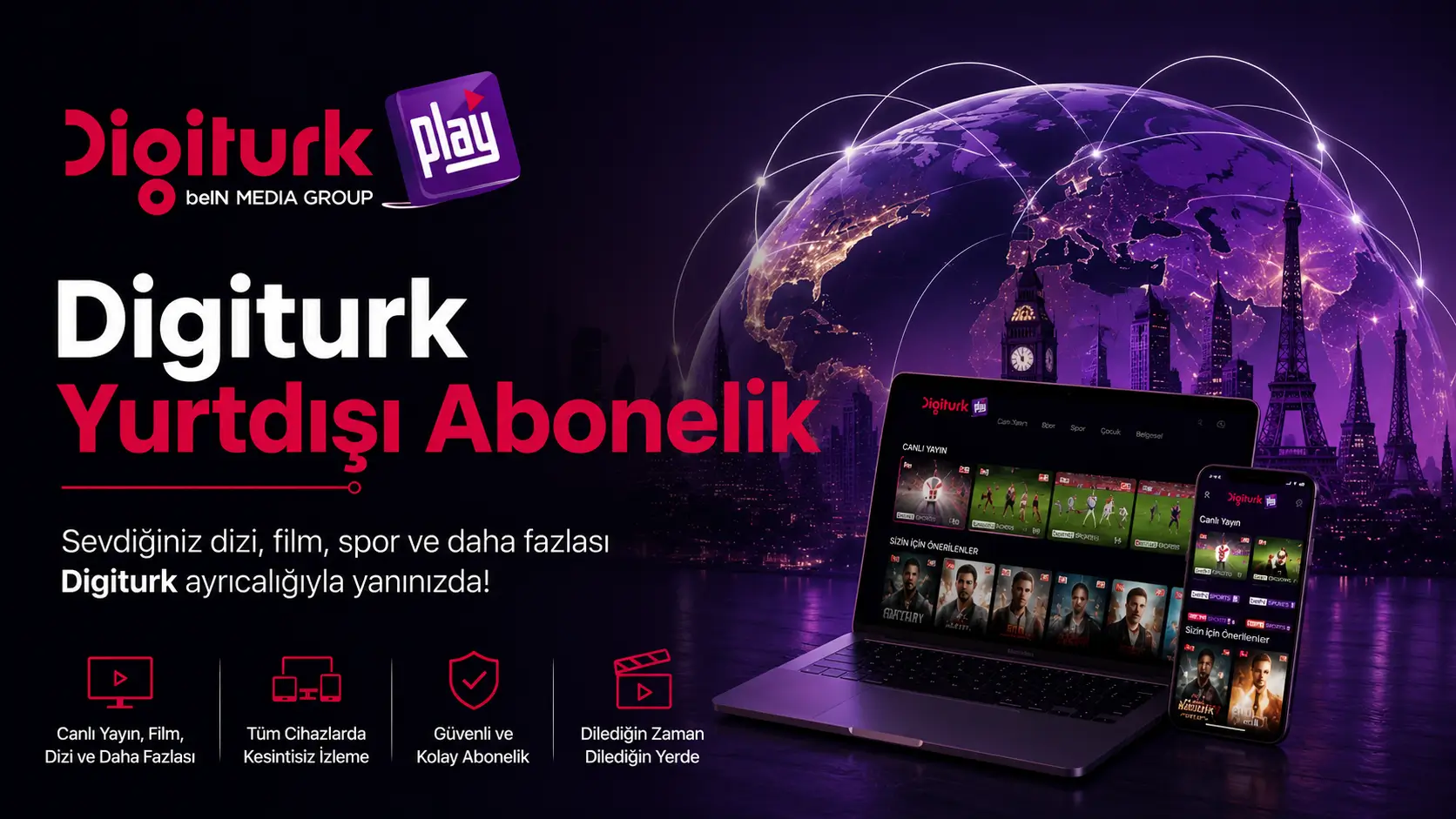


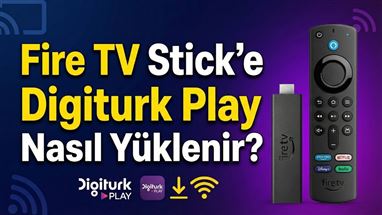







Digiturk Play works on a wide range of devices, making it easy to watch Turkish channels and Süper Lig matches from anywhere:
- Smart TVs: Samsung and LG Smart TVs
- Android TV devices: Mi Box, Nvidia Shield, and similar
- Streaming sticks: Amazon Fire TV and Fire TV Stick
- Apple devices: Apple TV, iPhone, and iPad
- Android devices: Android smartphones and tablets
- Web browser: Any computer or laptop via browser
On most devices, simply search for "Digiturk Play Yurt Dışı" (Digiturk Play Abroad) in the app store and download the free app. You can watch on your big screen TV at home or your mobile phone on the go — no satellite dish required.
You can watch Digiturk Play from anywhere you have an internet connection – including Turkey and the TRNC – on every supported device, the web browser included. The service is licensed and legally available in more than 100 countries, and no VPN or special setup is required.
The earlier restriction on streaming through the website from Turkey and Northern Cyprus has been lifted. You can now sign in from a browser in Turkey and the TRNC exactly as you would from abroad.
Where you can watch:
- Web browser on any computer – Chrome, Safari, Edge or Firefox, with no installation
- iPhone, iPad, Android phones and tablets
- Smart TVs (Samsung Tizen, LG webOS), Android TV and Google TV
- Apple TV, Amazon Fire TV Stick and Android TV boxes
So whether you are in Germany, the UK, France, the Netherlands, Belgium, Austria, Switzerland, Sweden, Denmark, Norway, the USA, Canada, Australia, Turkey or the TRNC, your subscription works the same way – and it travels with you when you visit Turkey.
Which devices can Airties or Humax H3 users use to watch beIN Sports channels?
All you need to do is switch to a device that supports the current infrastructure; the Sports Package channels then immediately return to your channel list. Most of our members already have a compatible device at home.
Which Smart TVs are compatible?
App-supported brands such as Samsung, LG and Philips Smart TVs are at the top of the list. The only thing to keep in mind is that the television should be a 2017 model or newer; older televisions cannot run the current app and encryption system.
Which devices can I use besides a Smart TV?
Android-based players all work smoothly, including Android Box devices (such as Nvidia Shield and Formuler), the Amazon Fire TV Stick (we recommend the 4K or 4K Max), Apple TV (4th generation and above) and Xiaomi Box.
What should I do if I need help choosing a device?
If you are not sure which device suits you or if you get stuck during setup, write to us; we will find the most practical solution together.
Installing Digiturk Play is quick and easy:
- On your device's app store (or the Fire TV search bar), search for "Digiturk Play"
- Download the official app (free to download)
- Open the app and log in with the credentials sent to your email after purchase
Installation typically takes 2–3 minutes per device and requires no technical knowledge. If you get stuck at any point, our WhatsApp support team will guide you through the setup step by step.
Yes. Your Digiturk Play subscription works in Turkey and the TRNC exactly as it does abroad – on every device, the web browser included.
Streaming through the website from Turkey and Northern Cyprus used to be unavailable; that restriction has been lifted. You can now sign in from a browser in Turkey, or keep using the official apps on your smartphone, tablet, Smart TV, Android TV, Apple TV or Fire TV Stick.
Nothing needs to be changed before you travel: your subscription stays active, your login stays the same, and your broadcasts simply travel with you.